
First deploy
Paste, and drag the game folder into the window when asked:
irm https://raw.githubusercontent.com/Kokoroou/rpgmaker-web-toolkit/main/run.ps1 | iexcurl -fsSL https://raw.githubusercontent.com/Kokoroou/rpgmaker-web-toolkit/main/run.sh | bash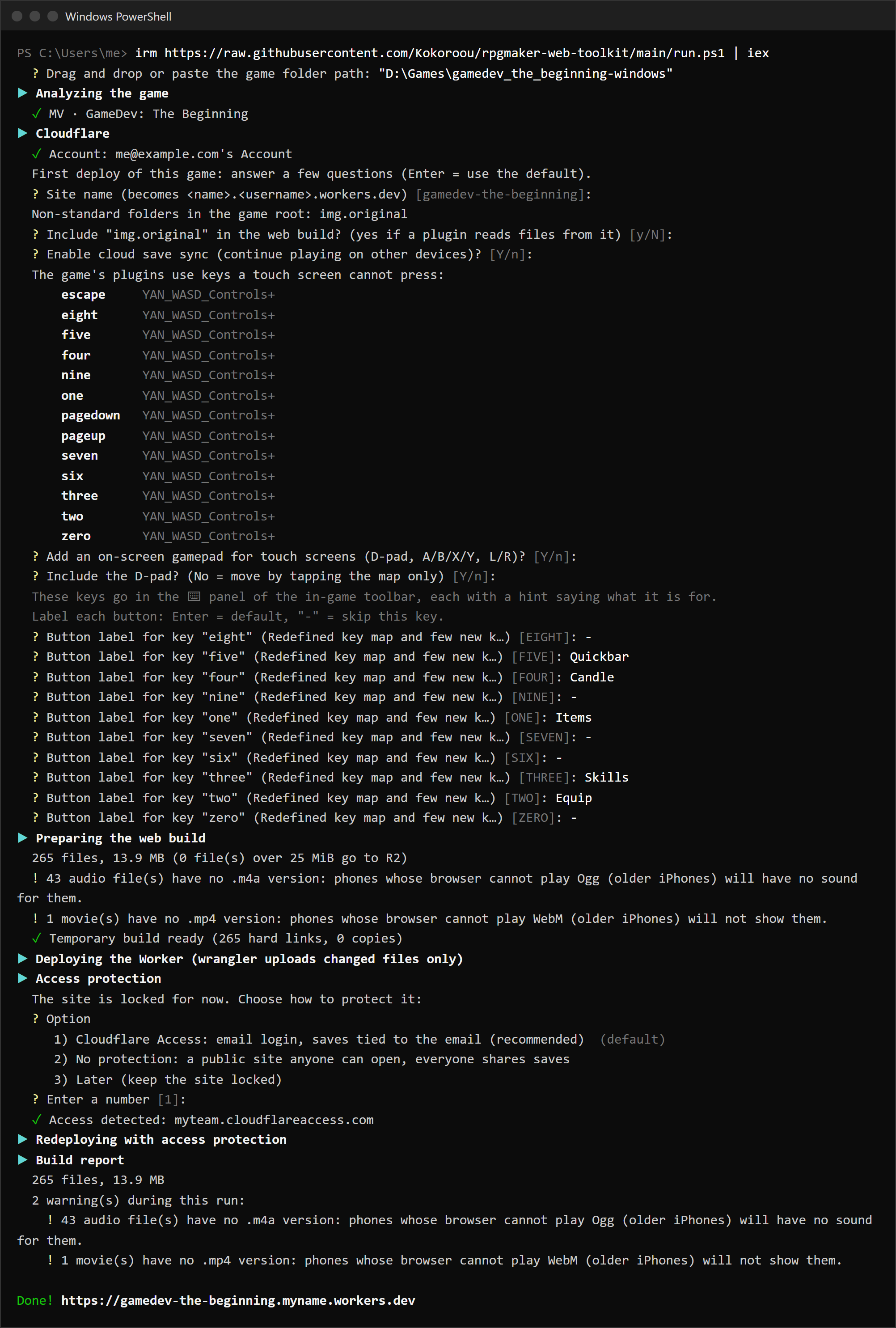
From cmd instead
powershell -NoProfile -ExecutionPolicy Bypass -c "irm https://raw.githubusercontent.com/Kokoroou/rpgmaker-web-toolkit/main/run.ps1 | iex"What it asks
The first time on a PC, a browser opens to log in to Cloudflare (no account yet? Set up Cloudflare first). Select Allow. The toolkit only asks for account:read, user:read, workers:write and workers_scripts:write.
Then, once per game (Enter takes the suggestion):
| Question | Answer |
|---|---|
| Site name | Becomes https://<name>.<subdomain>.workers.dev |
| Include "…" in the web build? | Yes if a plugin loads files from that folder, no for a manual or a soundtrack |
| Enable cloud save sync? | Yes to continue on other devices |
| Which features may players use? | Comfortable (every convenience on), Original experience or Shared with others: see Presets |
| On-screen gamepad? D-pad? | Yes if anyone plays on a phone |
| Button label for key "…" | A short label for each key the game's plugins use, or - to skip it |
The answers are saved in your Cloudflare account, so they are never asked again, even from another PC. Change them with config.
Lock, protect, play
Until Access is on, the link shows only this:
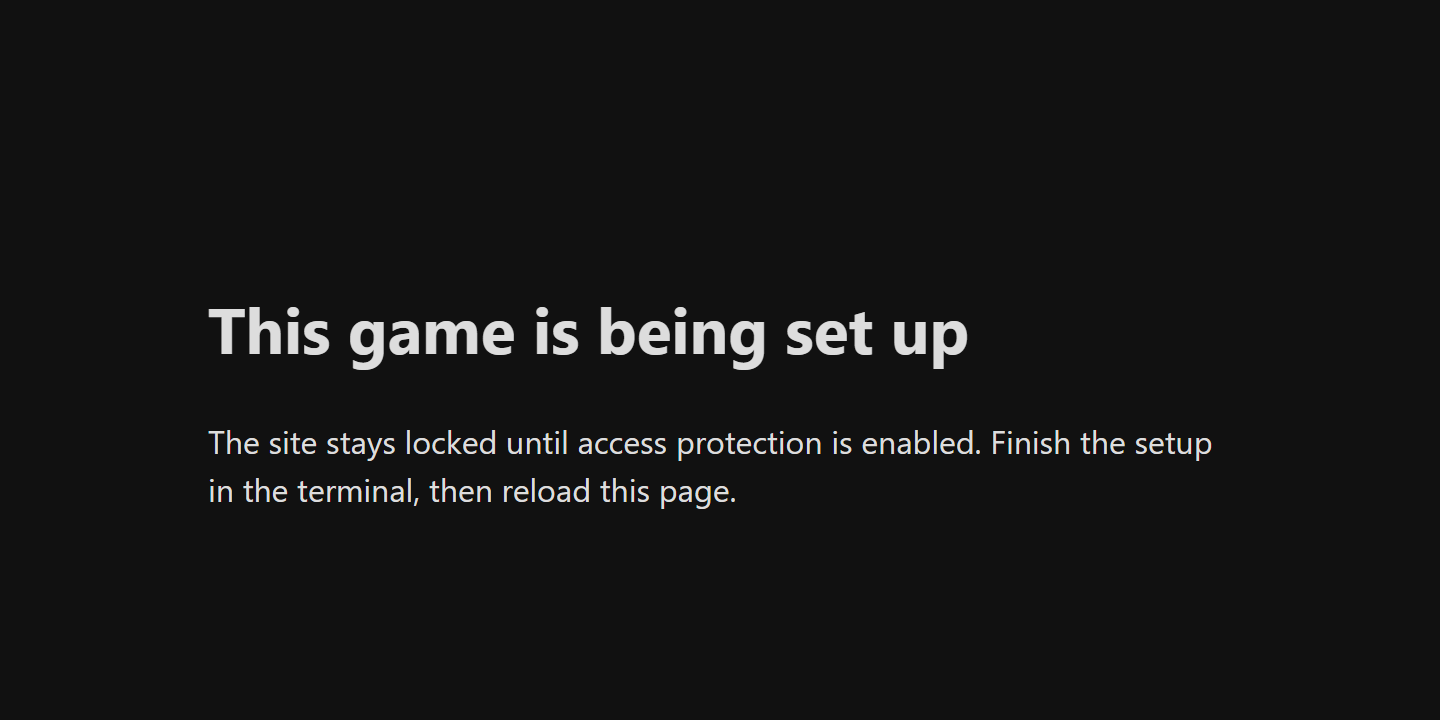
Choose Cloudflare Access and follow Protect the site. If the game folder has desktop saves, the toolkit then offers to upload them (it asks for the email you will sign in with).
Just before it, the build report sums up the run: file count and size, files stored on R2, and every warning printed along the way (for example file names with non-ASCII characters, a common cause of a missing picture or sound). The last line is the link: Done! https://my-game.myname.workers.dev.
What stays on the PC
| What | Remove with |
|---|---|
The Cloudflare login (wrangler profile rpgmaker-web-toolkit) | npx wrangler auth delete rpgmaker-web-toolkit |
The chosen account (%APPDATA%\rpgmaker-web-toolkit\settings.json) | Delete the file |
| npm's download cache (faster later runs) | npm cache clean --force |
The game folder is never changed. The temporary build (<game drive>:\.rwk-build\) is deleted at the end of each run.