
On-screen buttons
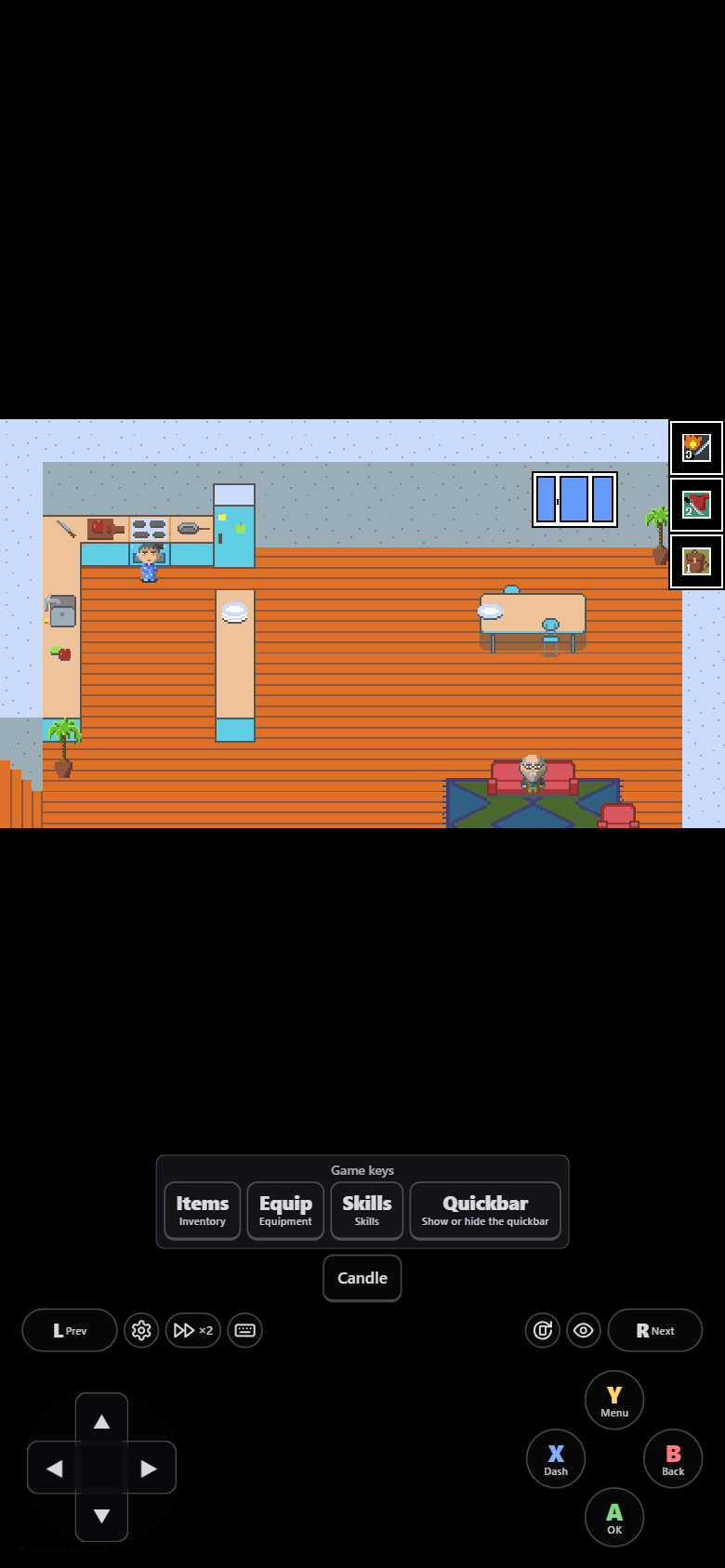
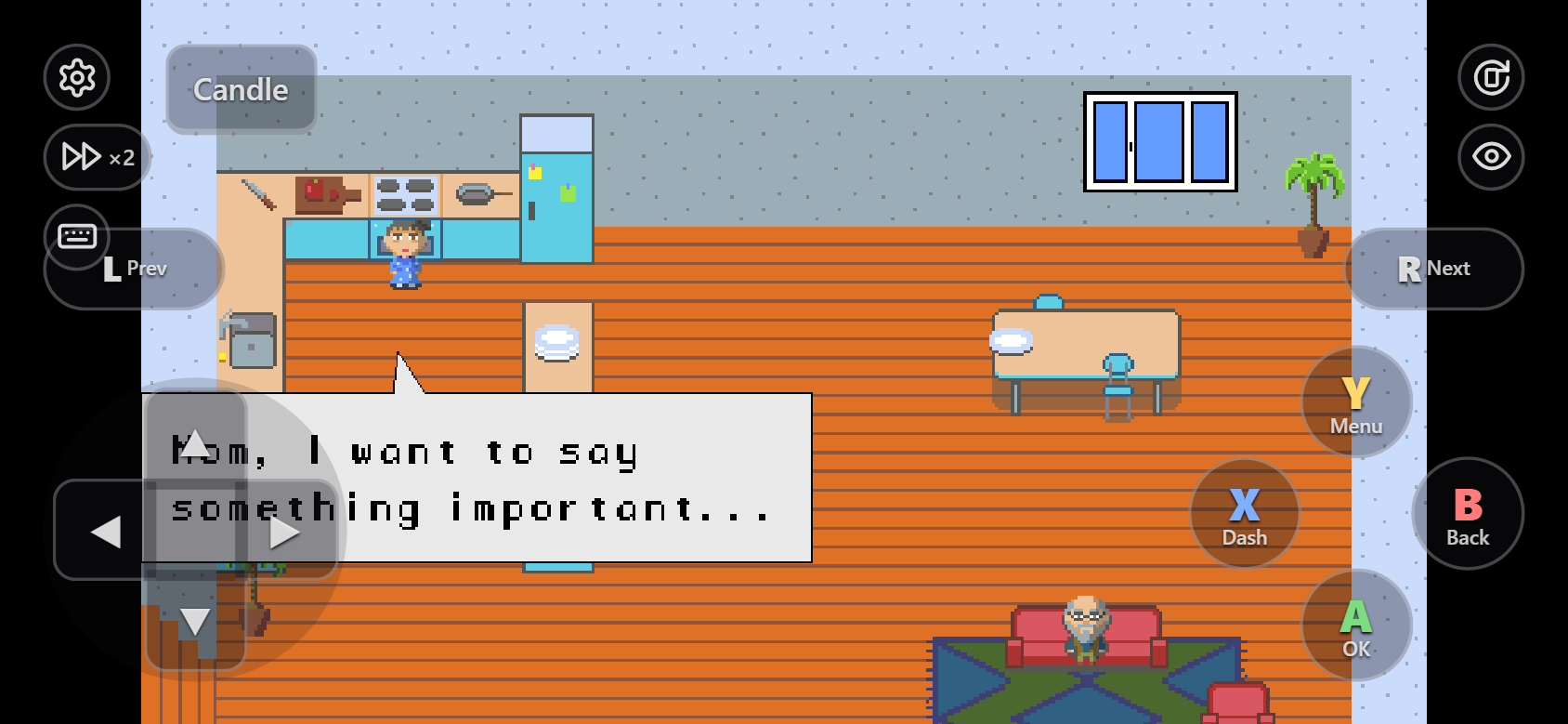
What players see is on Touch controls. This page is the controls part of the game's settings:
json
"controls": {
  "enabled": true,
  "showOn": "touch",
  "gamepad": true,
  "dpad": true,
  "opacity": 0.2,
  "scale": 1,
  "extras": ["fullscreen", "editLayout"],
  "buttons": [
    { "key": "one", "label": "Items", "hint": "Inventory" },
    { "key": "five", "label": "Quickbar", "hint": "Show or hide the quickbar" },
    { "key": "four", "label": "Candle", "pin": true },
    { "label": "Menus", "keys": [{ "key": "two", "label": "Equip" }, "three"] }
  ]
}
These are the keys of GameDev: The Beginning, the game in this guide's screenshots: its plugin reads the number keys 1 to 5.
| Key | Values | Default |
|---|---|---|
enabled | The whole on-screen gamepad | first-deploy answer |
showOn | touch (touch screens), always, never | touch |
gamepad | A / B / X / Y (ok, cancel, shift, menu) | true |
shoulder | L / R (pageup / pagedown), needs gamepad. Off because most games never use them | false |
dpad | The D-pad | true |
opacity | 0 to 1 | 0.2 |
scale | Button size multiplier | 1 |
extras | fullscreen (a toolbar button on touch screens, ⚙ → Full screen otherwise) and editLayout (⚙ → Edit button layout) | both |
Extra keys (buttons)
The first deploy finds the keys the game's plugins read and asks for a label for each.
| Field | Meaning |
|---|---|
key | An RPG Maker key name (ok, escape…), a name a plugin registers (r, t…), or a keyCode |
label | Text on the button |
hint | What it does, shown in the ⌨ panel. Filled from the plugin's description |
pin | true: on screen as a keycap instead of in the ⌨ panel |
keys | Makes a group (▾) that opens a row of sub-buttons: key names or { "key", "label" } |
With "gamepad": false, every button stays on screen. Buttons for keys the gamepad already presses are hidden. When an update adds keys, the deploy offers buttons for them.
Players can still move and hide buttons; that stays in their browser and does not change these settings.