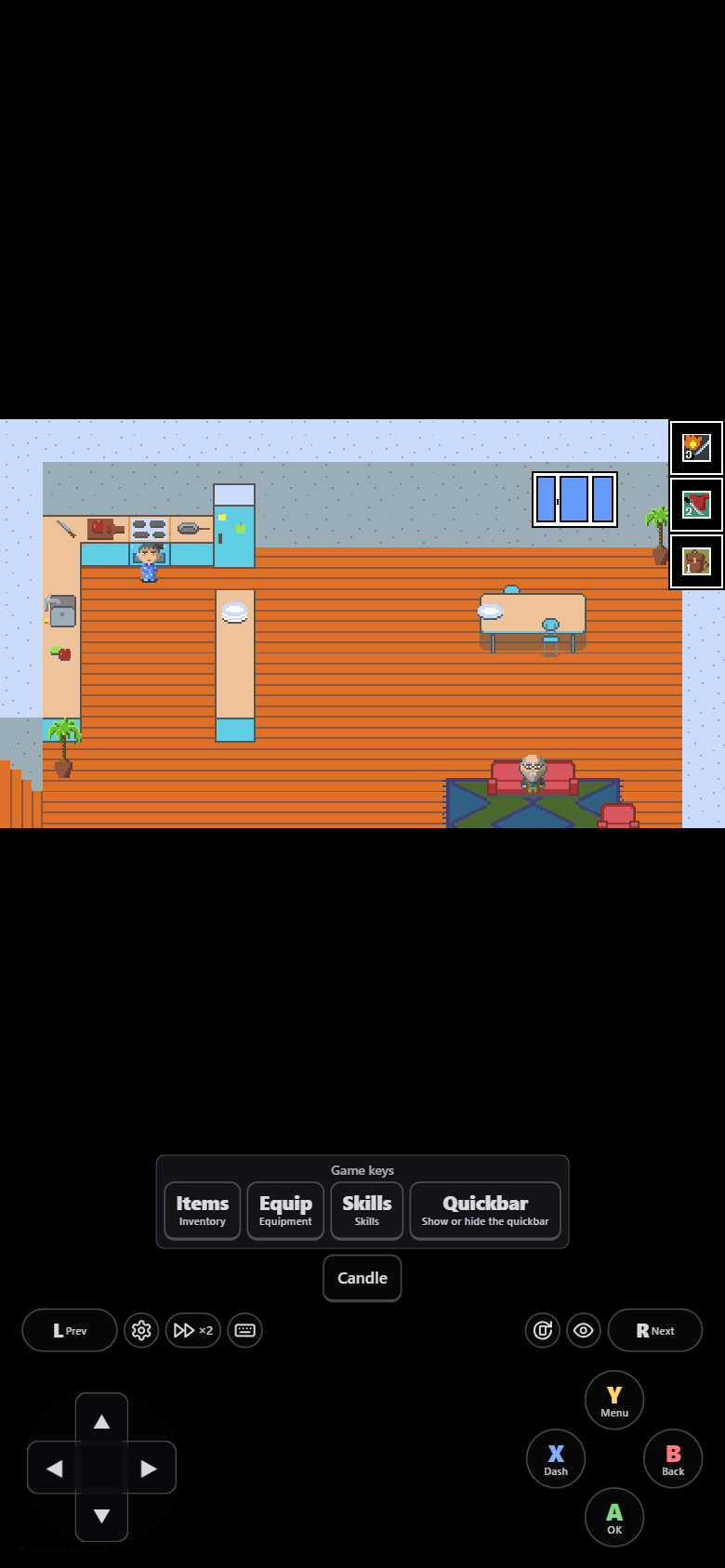
Toolbar
On a phone or tablet, a toolbar comes with the on-screen gamepad. On a PC there is no toolbar: ⚙ is a faint button in the top-left corner (or F1).
| Icon | Where | Does |
|---|---|---|
| ⚙ | Left | Opens the settings menu: saves, button layout… The game pauses meanwhile; the music keeps playing |
| ⏩ ×2 | Left | Fast forward: tap to turn on or off, hold to speed up only while held |
| ⌨ | Left | Game keys: the game's extra keys, with what each one does |
| ⟳ | Right | Full screen. It also turns a landscape game sideways |
| 👁 | Right | Hide / show all the controls. Hidden, only 👁 stays on screen |
In landscape the game's extra keys sit on the left, and a group of toolbar buttons that would cover the game stands in a column instead of a row.