
Use several items at once
In the menu: ⚙ → Items → Use several items at once, Use several items at once in battle, Give several items at once. Each is a switch, remembered in this browser.
Choose an item you hold several of, and the game asks how many to use (up to 99):
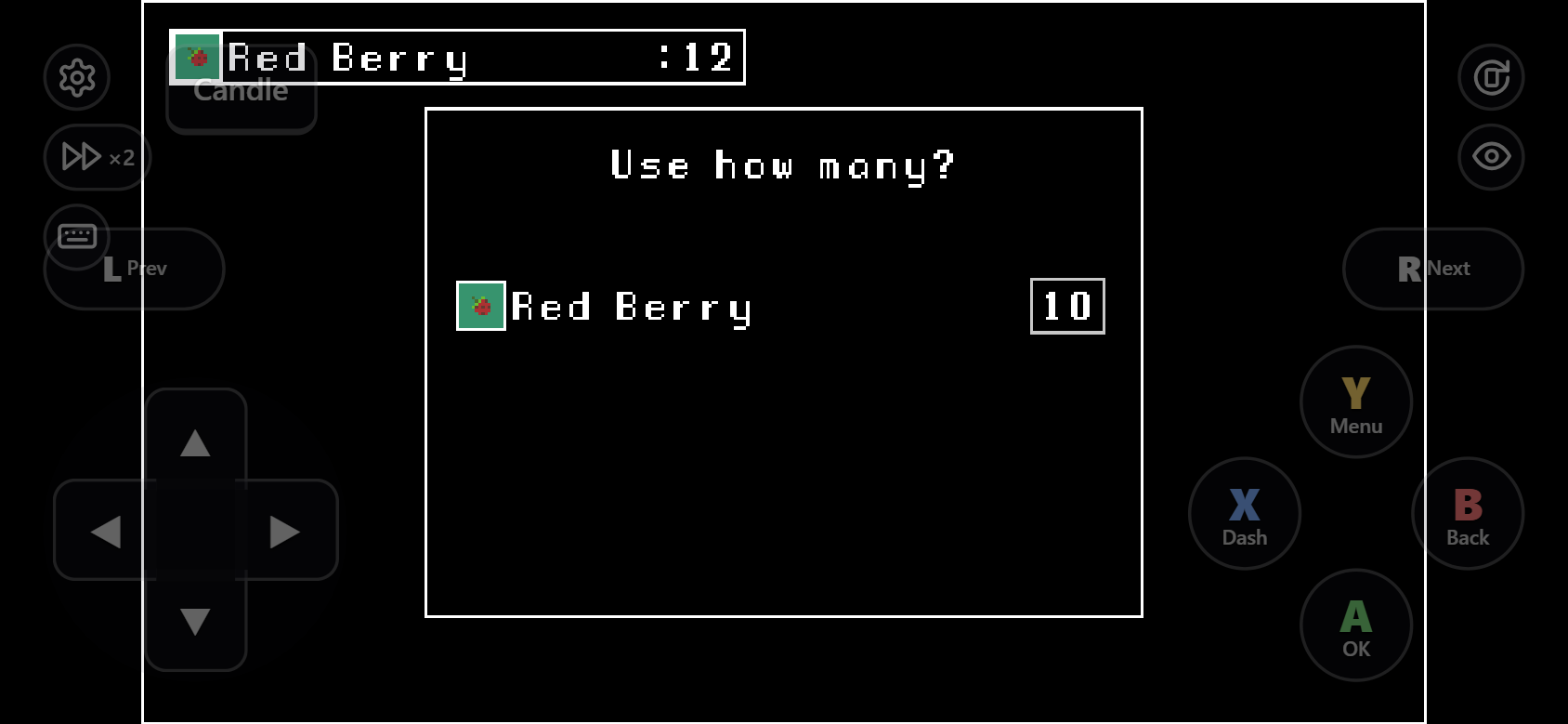
| Item | With 10 |
|---|---|
| Direct effect (healing, stat growth…) | Applied 10 times. Stops early when one more would do nothing (full HP); the rest are kept |
| Runs a common event | The event runs 10 times; you see its message once |
| Its event shows choices, moves you, starts a battle, opens a shop / menu / save screen, or ends the game | Not asked: used one at a time, so nothing breaks |
Turn it off or on with the Use several items at once switch. It works with item menus restyled by plugins.
In battle
The same works in battle: choose an item, pick how many, then its target. The actor's one action uses all of them: the target gets the effect that many times, the item's common event runs that many times, and that many items are used up. If another actor used some of the same item earlier in the turn, only what is left is used.
This makes battles easier than the game intends. Turn it off or on with the Use several items at once in battle switch.
Gifts and other events that ask for an item
Some games ask you to pick an item in an event: a gift for a character, an offering. When you pick one you hold several of, the game asks how many, and the event takes them one after another. You see its reaction once, for the first item.
It stops early, and keeps the rest, when the event did not take the item (the character refuses it, or only accepts one gift a day) or when none is left. It works when the event hands the item to a common event that shows no choices and does not move you; otherwise the item is given one at a time, as usual.
Turn it off or on with the Give several items at once switch.